Nobody likes learning new software. So we have created a series of tutorials aimed at the very beginner. These tutorials will get you simulating groundwater problems in no time at all.
If you are looking for Expert level content – check out of the lecture series created by Charlie (the founder of Anaqsim).
Beginner 0:
Start your Groundwater Modeling Journey Here!
In this introductory video, we explore the why behind Site Scale Models – and how Anaqsim makes building them fast, efficient, and purpose-driven. Whether you’re working on remediation, construction dewatering, or drainage design, you’ll learn why you don’t need a complex regional model to get reliable answers for local site challenges.
If you’ve ever struggled with incomplete data, vague boundaries, or overcomplicated models – this series is for you.
Beginner 1:
Start your groundwater modeling journey with Anaqsim
In this beginner-friendly tutorial, we’ll walk through the process of creating your first groundwater model. Learn how to define an unconfined aquifer, set boundary conditions, and simulate the effects of a pumping well – all in just a few steps!
Beginner 2:
Learn how to introduce geological variability in Anaqsim
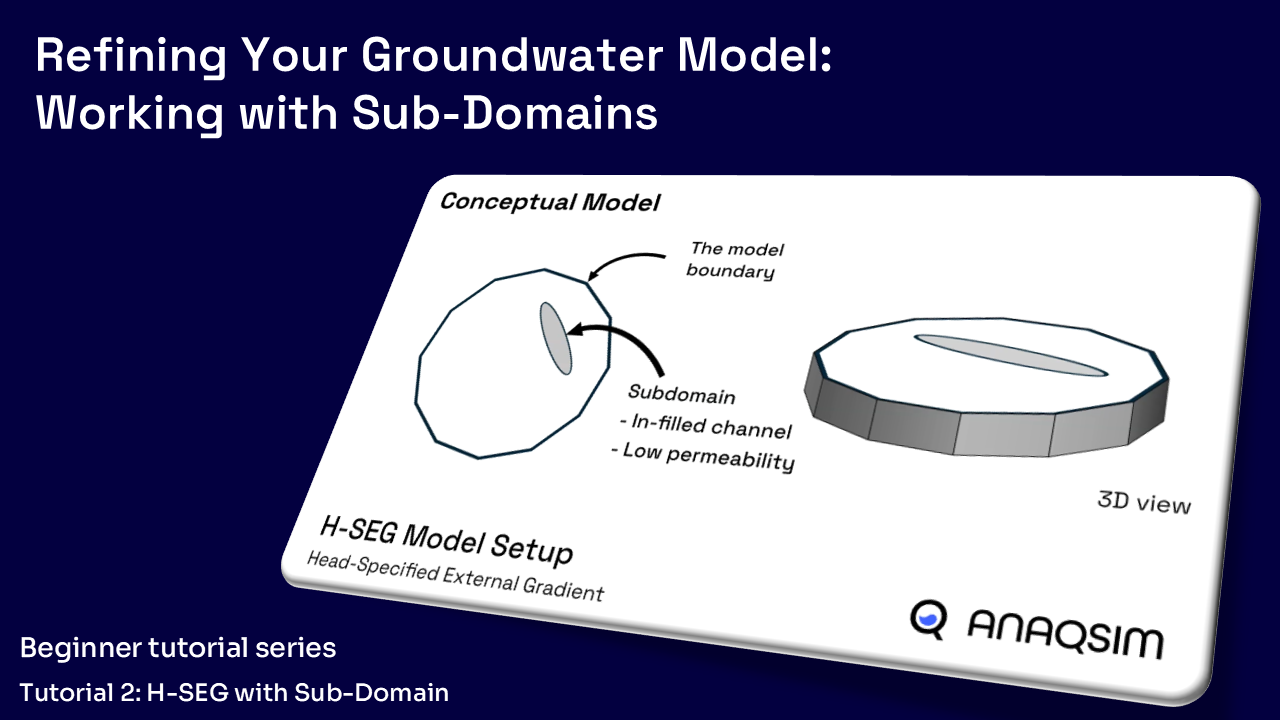
In this tutorial, we introduce subdomains, a powerful tool for simulating complex geological features like low-permeability layers or infilled channels. You’ll learn how to define a subdomain, digitize its shape, and observe its impact on groundwater flow.
Beginner 3:
Take your groundwater model to the next level!
In this tutorial, we expand our 2D model into a 3D simulation by adding a second layer in An-Ack-Sim. Learn how to define multi-layered aquifers, adjust domain thickness, and refine flow dynamics to better simulate real-world hydrogeological conditions.
Beginner 4:
Your groundwater model is 3D, but is your flow?
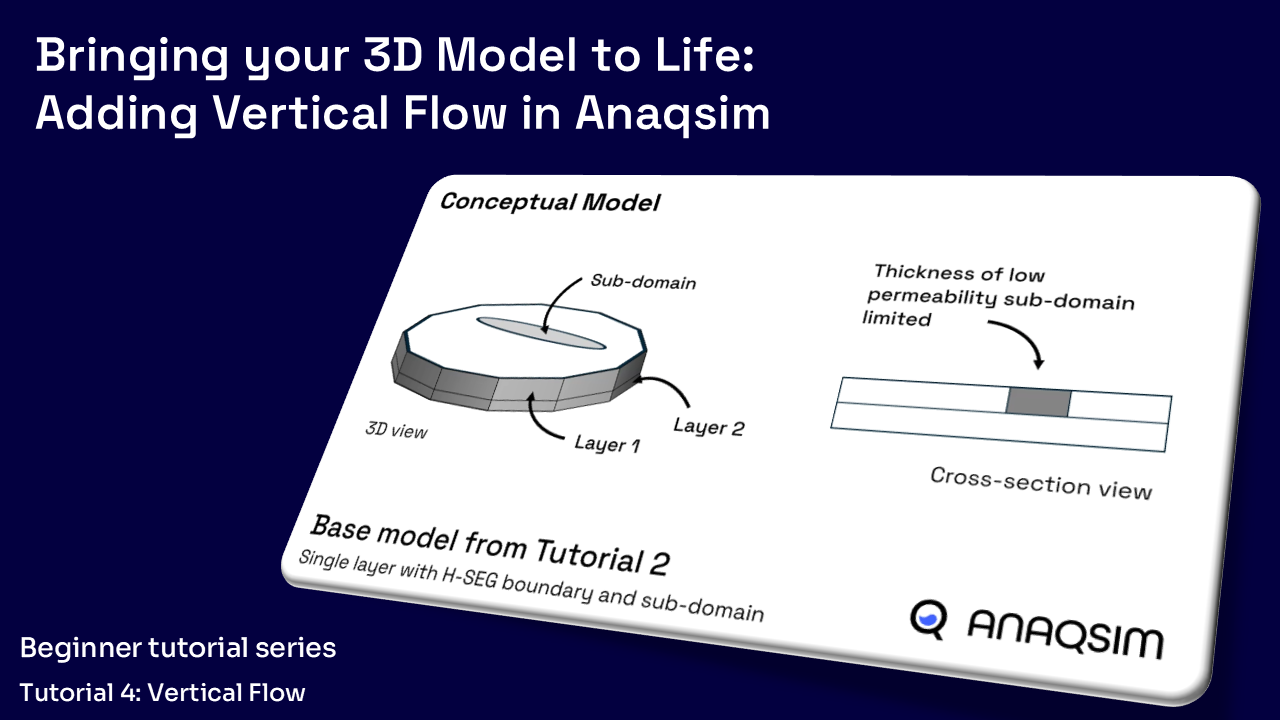
In this tutorial, we activate true 3D groundwater flow by adding Spatially Variable Area Source/Sinks (SVAS) to connect layers. Learn how to define SVAS points for aquifer domains and wells, ensuring proper vertical flow interactions in your model.
Beginner 5:
Master Vertical Flow like a Pro!
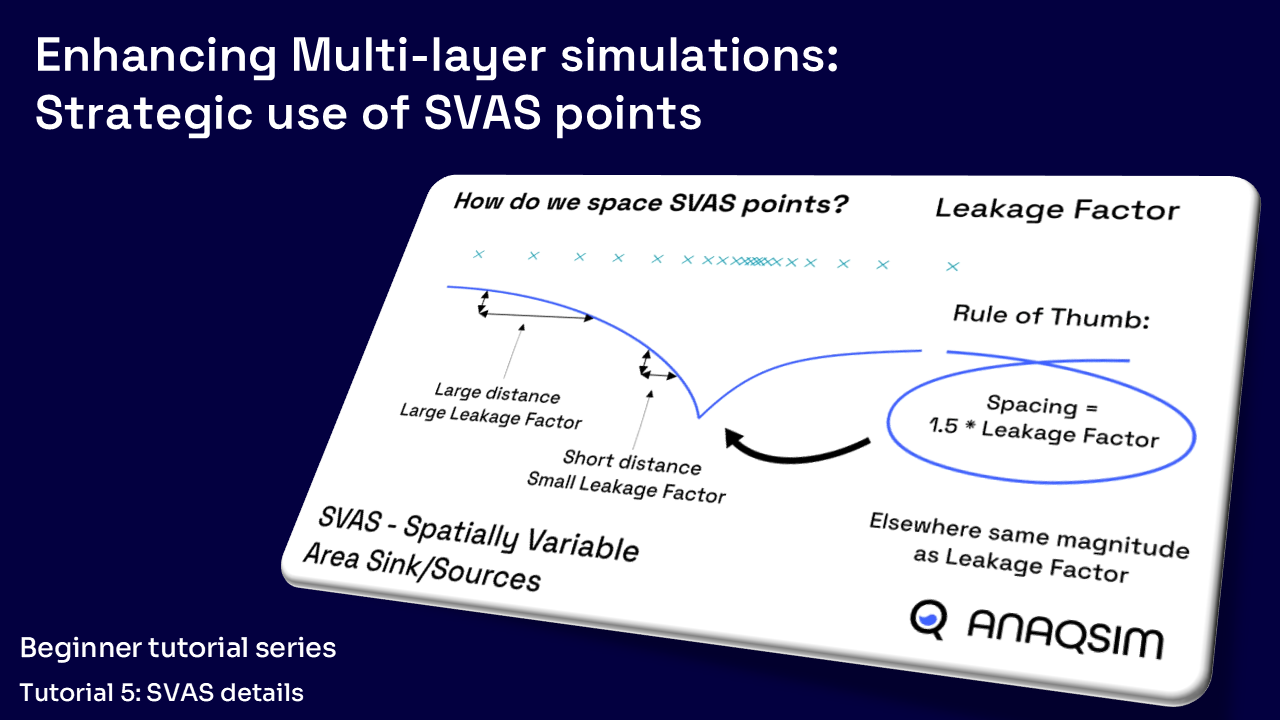
In this tutorial, we take your multi-layer modeling to the next level by exploring SVAS points (Spatially Variable Area Sink points) – the calculation points that drive vertical leakage and storage in Anaqsim in more detail.
Learn how to optimize your model’s accuracy and efficiency by understanding the Leakage Factor, using smart SVAS spacing, and applying three powerful placement methods: domain-wide, polygon-based, and well-based to refine your model where you need it most.
Beginner 6A:
Step-by-Step Workflow in Anaqsim
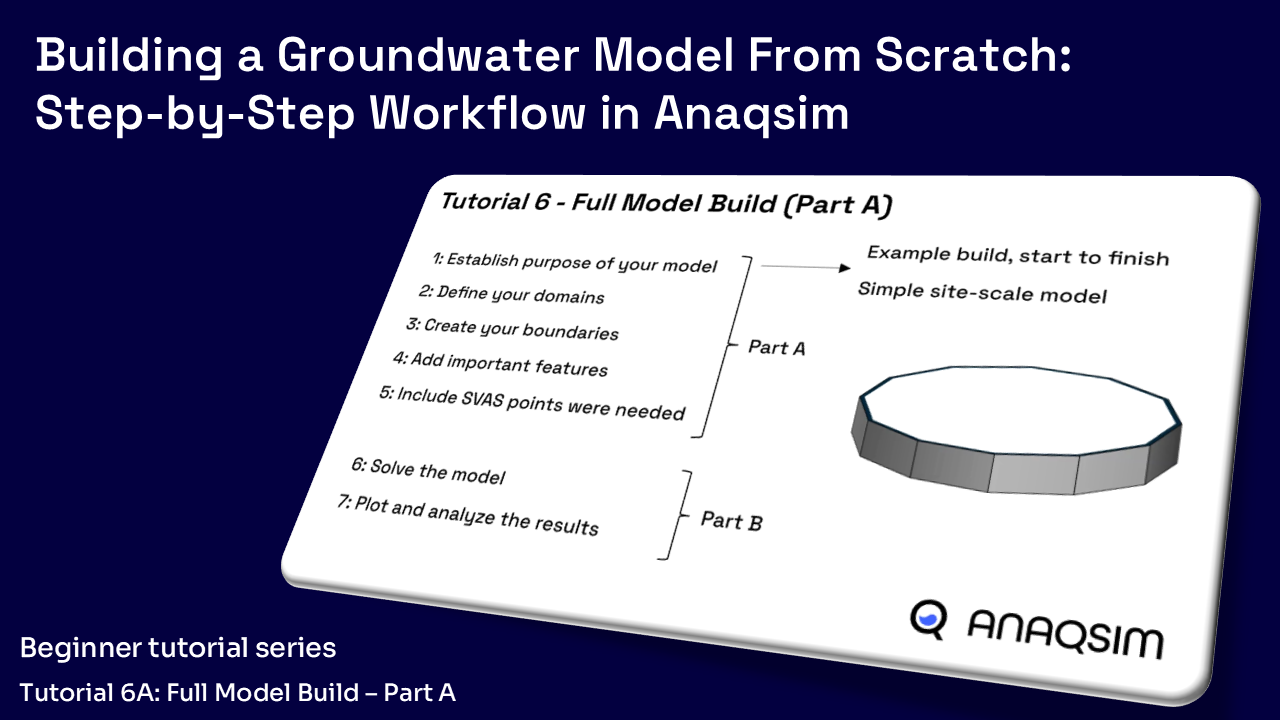
In Part 1 of this two-part tutorial, we build a site-scale groundwater model from the ground up – showcasing the full Anaqsim workflow in action. Whether you’re creating a simple or complex model, this step-by-step process is the same.
Beginner 6B:
Improve the accuracy of your multi-layer groundwater models
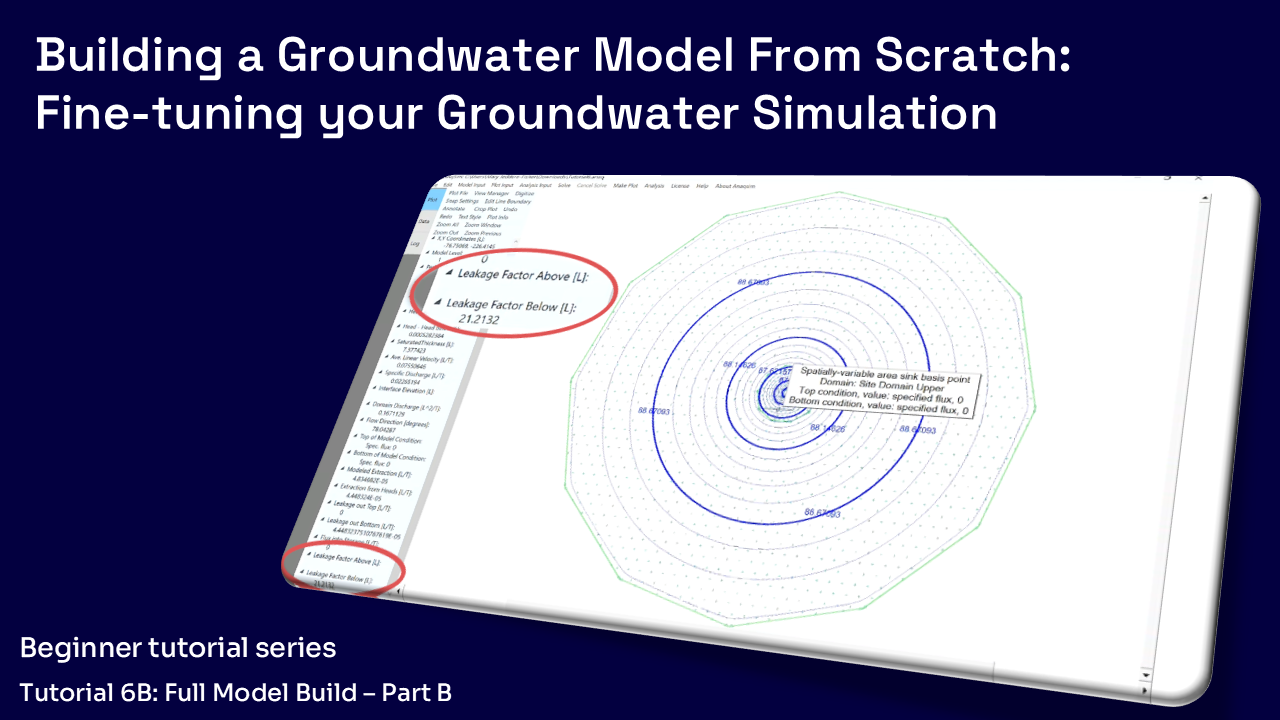
In Part 2 of Tutorial 6, we take the complete model we built in Part 1 and refine it further by analyzing vertical flow and validating our SVAS point spacing.
You’ll learn how to interpret Leakage Factor values, compare Modeled Extraction vs. Extraction from Heads, and use transect analysis to ensure your model is capturing vertical flow accurately.
Beginner 7:
Simple Transient Modelling
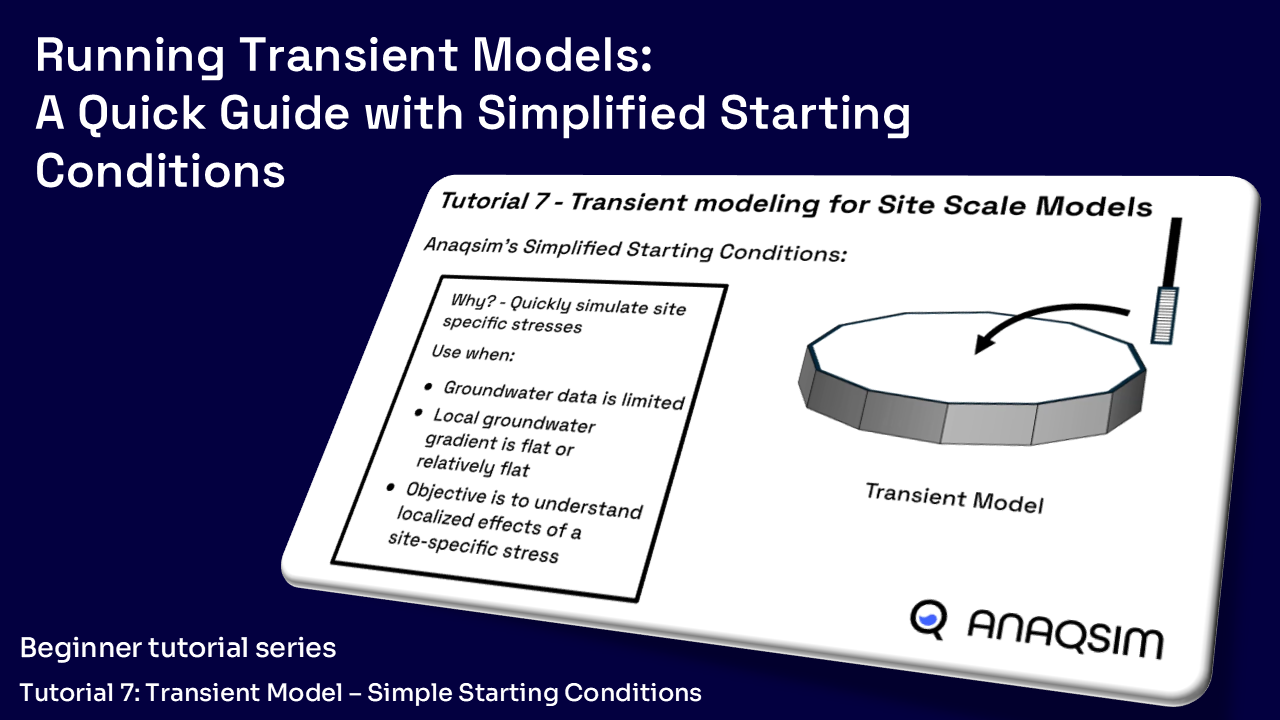
In this tutorial, we show you how to skip the initial conditions model and still run accurate site-scale transient simulations – perfect for dewatering, remediation, and feasibility studies when site data is limited.
Beginner 8:
Transient Modeling – Using a Starting Conditions Model
In this tutorial, we walk through the full process of setting up detailed starting conditions by building and linking two separate models in Anaqsim – a Starting Condition Model and a Transient Model.
This method gives you full control and is ideal for regional-scale or complex site-scale simulations. This is the standard method used in most professional transient modeling workflows – and Anaqsim makes it fast and efficient.
Beginner 0:
What is Site Scale modelling
Beginner 1:
H-SEG with Pumping Well
Beginner 2:
H-SEG with Sub-Domain
Beginner 3:
Multilayer
H-SEG
Beginner 4:
Vertical Flow
Beginner 5:
SVAS details
Beginner 6A:
Step-by-Step, Part A
Beginner 6B:
Step-by-Step, Part B
Beginner 7:
Transient Models
Beginner 8:
Transient Models, with Initial Heads
Lecture Video Series
Let Charlie (founder of Anaqsim) take you through the ins and outs of Anaqsim. These videos cover the mathematical grounding of Anaqsim along with some practical advice and helpful tips for some of those more nuanced situations.
AEM Overview
AEM -Overview
An overview of the Analytical Element Method applied to groundwater modelling
a. Analytic solutions (00:39)
b. The analytic element method (AEM) (02:55)
c. Comparison to numerical methods (21:55)
d. References (32:07)
Subdomain Approach
Anaqsim’s Subdomain Approach
Learn about how Anaqsim’s approach to the analytical element method differs from other approaches, and how this makes it more flexible to use.
a. Subdomains vs. infinite domains (00:59)
b. Spatially-variable area sinks (SVAS), flexible layering and transient models (10:42)
c. Computational efficiency (15:20)
d. Checks against analytic solutions, other methods (21:04)
Domains – Confined & Unconfined
Domains – Confined and Unconfined
When should you use confined and unconfined domains? This video takes you through some of the groundwater principles and mathematics behind the confined and unconfined domains, and provides you with some tips as to when to use each one.
a. Confined domains (01:30)
b. Unconfined domains (03:40)
c. Hybrid confined/unconfined domains (05:10)
d. Dewatered unconfined domains (14:10)
e. Handling a sloping base (18:18)
External Line Boundaries
External Line Boundaries
What is each boundary for and when should you use them. This video gives you all the details you need to know about using external line boundaries in Anaqsim
a. Line boundaries in AnAqSim (00:59)
b. Linesink elements (02:58)
c. Domain limits and external line boundaries (07:19)
d. Boundary condition specification and accuracy (11:07)
e. Left/right sense needed for some line boundaries (27:30)
Internal Line Boundaries
Internal Line Boundaries
What is each boundary for and when should you use them. This video gives you all the details you need to know about using internal line boundaries in Anaqsim
a. Internal boundary types (00:55)
b. Boundary condition specification and accuracy (1:30 – 19:11)
c. Line dipole and line doublet elements (05:24, 12:54)
d. Outputs of discharges (19:12)
e. Modeling an injection or pumping trench (20:11)
f. Modeling rivers (22:54)
Pumping Wells
Pumping Wells
Head specified, Discharge Specified and multi-layer wells – this video gives you all the details you need to know about using wells in Anaqsim
a. Discharge-specified well, single domain and multi-level (01:49)
b. Head-specified well, single domain and multi-level (03:29)
c. Interpretation of well radius (04:58)
d. Outputs (05:59)
Top and bottom boundary conditions
Top and bottom boundary conditions – Area Sinks
How to apply recharge or leakage across your model, or in discrete locations such as a recharge basin
a. Top and bottom boundary conditions (01:31)
i. Specified flux
ii. Head-dependent flux
b. Some examples (04:57)
c. Uniform vs. spatially-variable area sinks (09:34)
d. Abrupt changes in top/bottom conditions (16:05)
e. Surfaces for variable top/bottom conditions (18:46)
Multi-level models
Multi-level models and Spatially Variable Area Sinks
How to make your model 3D with various layering techniques, including how Anaqsim uses Spatially Variable Area Sinks (SVAS) to link the layers together
a. Use a 2D or a 3D model? (00:49)
b. General equation and SVAS (07:51)
c. Vertical leakage between levels (11:20)
d. Setting up SVAS and their basis point spacings (12:27)
e. Checking accuracy of SVAS (22:28)
Transient Modeling
Transient Modeling
Time periods and time steps – how Anaqsim handles transient inputs, including being able to switch wells on and off easily
a. General equation with transient term (01:19)
b. Storage concepts (03:56)
c. Time periods and steps (08:11)
d. Inputs that can be transient (09:53)
e. Initial heads from a constant or from a prior simulation (13:04)
f. Transient outputs (17:35)
g. Pumping test example (29:20)
Anisotropy
Anisotropy
For those occasions when the real world isn’t quite as simple as we would like it to be!
a. Coordinate transformation to get equivalent isotropic domain (00:42)
b. Inputs for anisotropic domains (08:59)
c. Example model results (12:21)
Pathlines
Pathlines
Being able to visualise flow paths by using pathlines can really help to understand the flow dynamics at play, or help define a capture zone.
a. Pathline tracing algorithm (01:49)
b. Pathline settings (08:08)
c. Pathline starting points (21:23)
d. Pathline behavior at line boundaries (28:56)
Vertical Plane Flow
Vertical Plane Flow
Learn how Anaqsim handles vertical plane flow to create 3D models
a. General equation for vertical plane flow (00:37)
b. Using a unit-thick confined domain in AnAqSim (04:07)
c. Examples (06:12)
d. Free surfaces (water table, seepage face) (12:51)
Fresh-Salt Interface flow
Fresh-Salt Interface Flow
Learn how to use the Fresh / Salt Interface flow domain
a. Assumptions made (00:45)
b. Special domain inputs (05:30)
c. Discharge potentials and general equation (06:04)
d. Shoreline boundary conditions (10:54)
e. Example Models (16:12)
Automating runs
Automating runs and checking convergence
Are you ready to run multiple runs, but don’t want to have to set them off all manually? Anaqsim offers a range of options for running and outputting results from the command line.
a. Computation speed (00:56)
b. Memory needed (06:45)
c. Save/load solutions (07:54)
d. Solve and check settings (09:46)
e. Convergence (14:03)
f. Automated runs (18:17)
To provide the best experiences, we use technologies like cookies to store and/or access device information. Consenting to these technologies will allow us to process data such as browsing behavior or unique IDs on this site.
Functional
Always active
The technical storage or access is strictly necessary for the legitimate purpose of enabling the use of a specific service explicitly requested by the subscriber or user, or for the sole purpose of carrying out the transmission of a communication over an electronic communications network.
Preferences
The technical storage or access is necessary for the legitimate purpose of storing preferences that are not requested by the subscriber or user.
Statistics
The technical storage or access that is used exclusively for statistical purposes.The technical storage or access that is used exclusively for anonymous statistical purposes. Without a subpoena, voluntary compliance on the part of your Internet Service Provider, or additional records from a third party, information stored or retrieved for this purpose alone cannot usually be used to identify you.
Marketing
The technical storage or access is required to create user profiles to send advertising, or to track the user on a website or across several websites for similar marketing purposes.